FourSyncTech
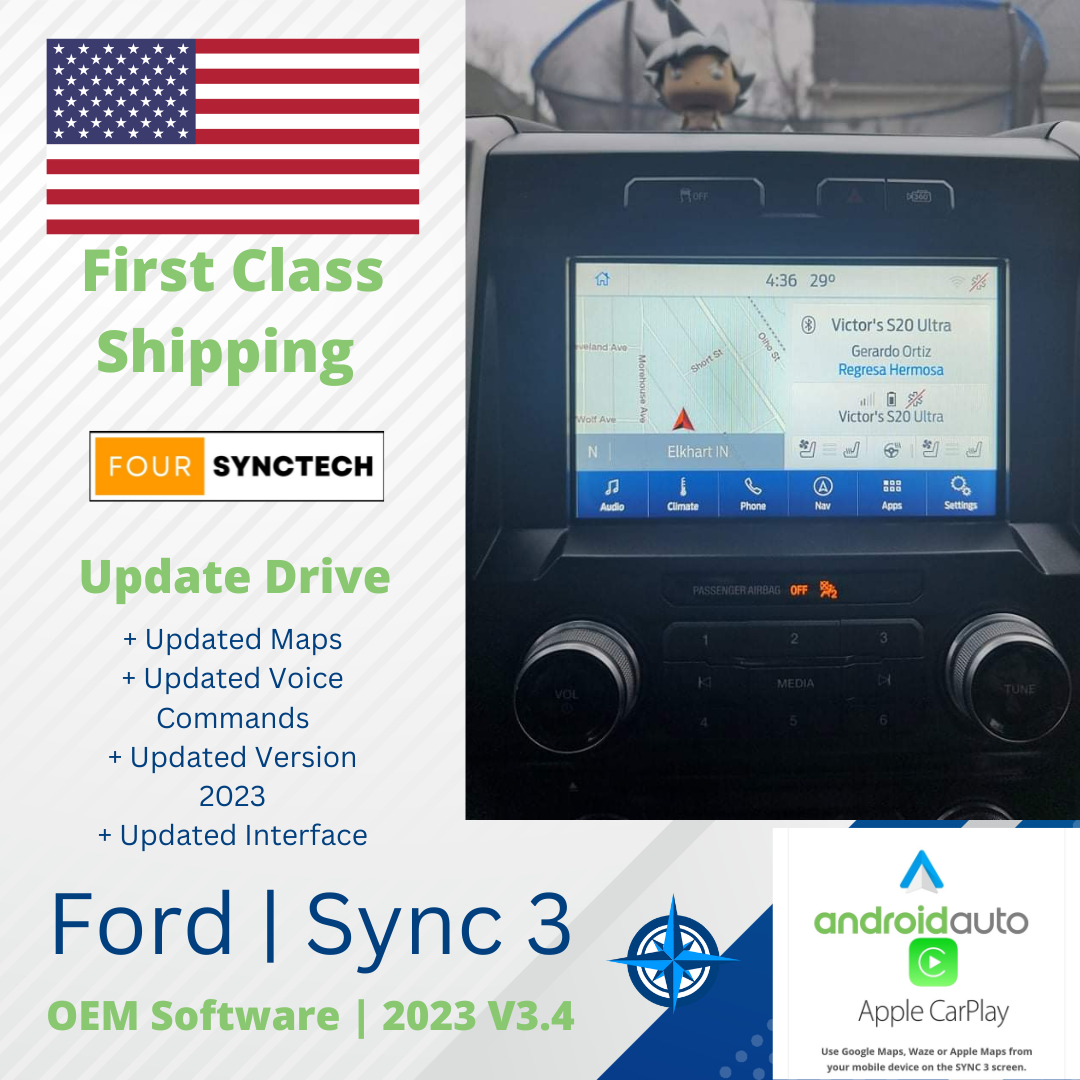
Sync 3 Update Drive (Updates to V3.4 with Newest Maps) + Type C USB Hub
Couldn't load pickup availability
Package Includes:
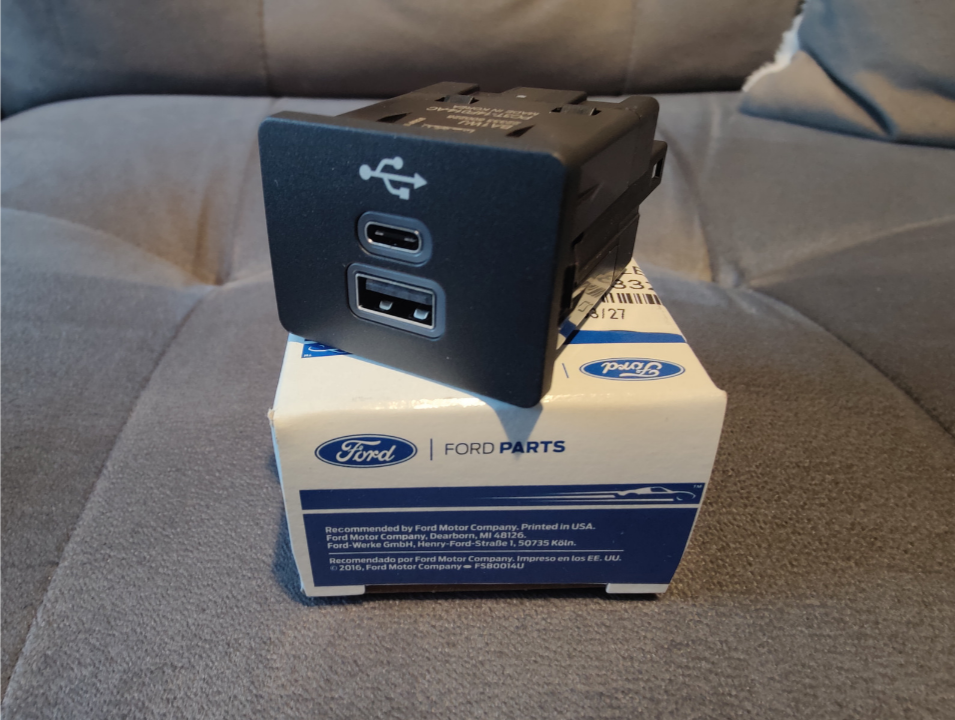
- OEM Type C USB Hub (Proper Size)
- Update Drive to V3.4 23188 and NA224 Maps (If Navigation and not MY20)
All Plug and Play Ready, no cutting or splicing needed.
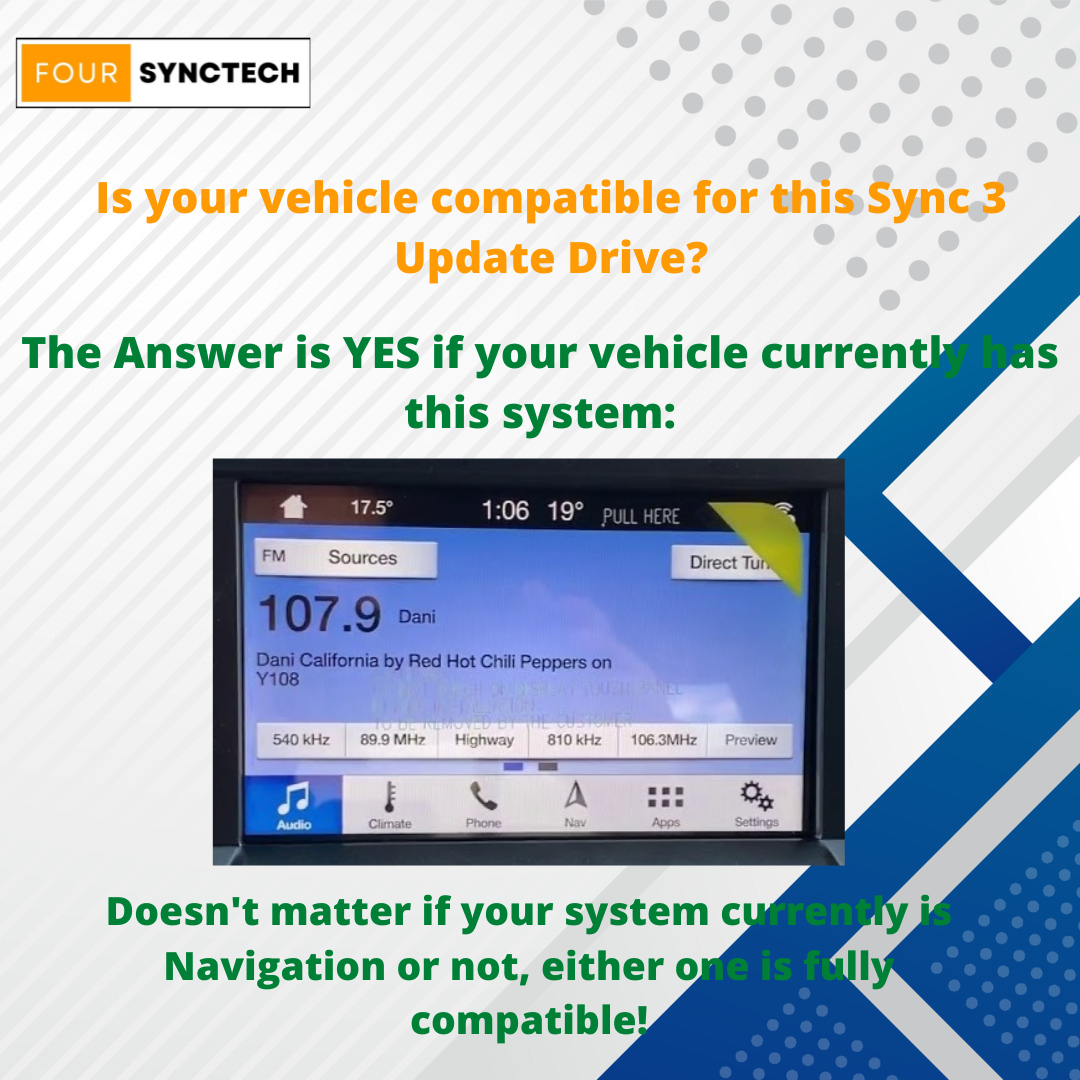
For Ford and Lincoln Vehicles with Sync 3 V1.0-V3.3
- Proper OEM Type C USB Hub + Sync 3 Update Drive to V3.4
- For Models with Factory Sync 3 Systems with V1.0 - V3.3
- Updates Navigation as well to NA224 if you got Navigation currently and is not a MY20. We check before shipment so checkout with peace of mind.
Proper OEM Parts for Easy Install and Functionality.
V3.4 Supports:
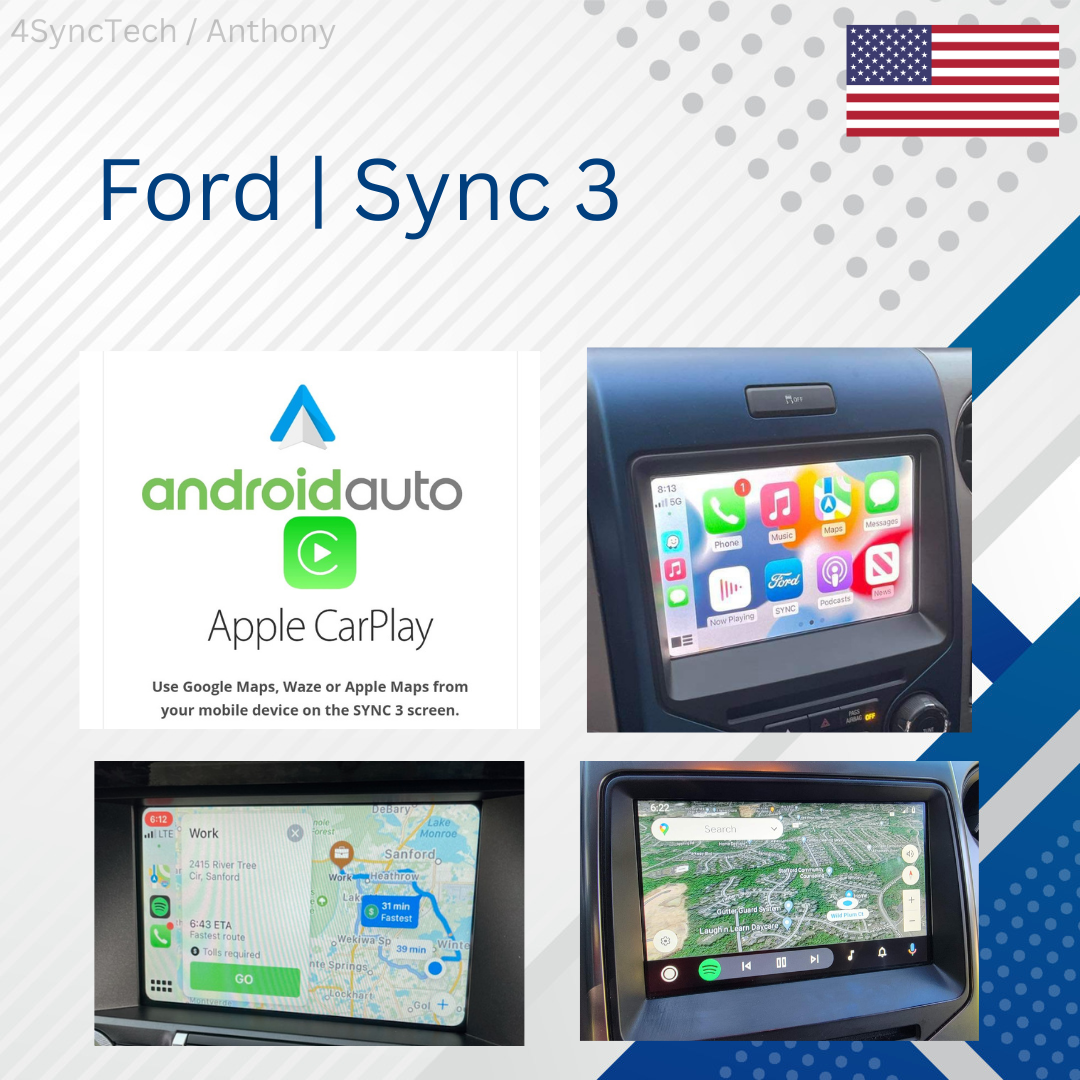
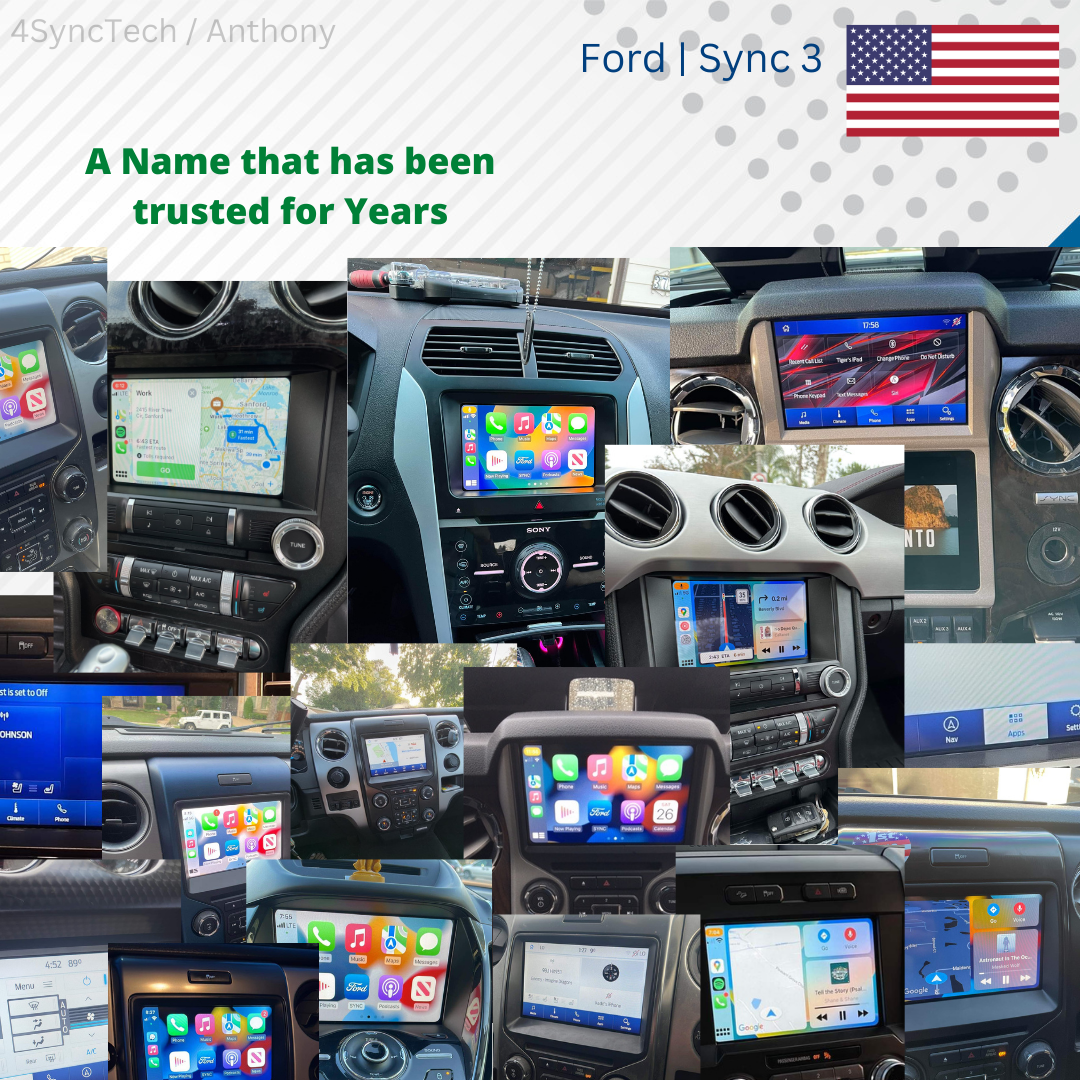
- Apple CarPlay (with compatible USB Hub)
- Android Auto (with compatible USB Hub)
- New interface
- New layout
- Type C USB Hub support
- Newer apps and features when installed
- All previous functions and features
Update Process for 2016-2019 and Conversion Vehicles:
1. Make sure vehicle is fully on during entire process
2. Plug in Flash Drive to USB Port (Keep flash drive in at all times)
3. Wait for the screen to reset, will display a message on top saying "Updating Sync Software"
4. Screen will reset and then go to a format page
5. Leave it alone on the Format page, usually takes 30 minutes for Navigation or 10 minutes for Non-Nav most cases (You will know it's complete once screen is completely green)
6. Once screen is completely green remove Flash Drive
7. Screen will flicker and reset, once reset give it 60-90 seconds to load all your modules
8. Swap Old USB Hub for a new Type C USB Hub (or Dual USB Hub, depending on the vehicle USB Cubby size)
9. Enjoy!
Update Process for 2019+ Vehicles:
1. Make sure the vehicle is fully on during the entire process
2. Plug in Flash Drive to USB Port (Keep the flash drive in at all times)
3. Wait for the screen to say Updating Software or it asks you to update.
4. The screen will be on and slow, that is normal
5. Once screen resets, leave it in and wait for it to boot back up.
6. Once screen says complete you are good to remove the flash drive and enjoy.
OEM Software Information
- V3.4 of Sync 3 is Required for the Type C USB Hub to work so this includes the Update so no worries.
- Plug and Play for Easy and Factory Install
- This is an update drive for if you currently have an older version of Sync 3, not for Sync 2 users. For Sync 2 users you will need a conversion kit, for those check our website or contact us. We got the OEM solution.
Proper OEM Parts for Easy Install and Functionality.
OEM Apple CarPlay and Android Auto Support!
- Wired Apple CarPlay and Android Auto Support
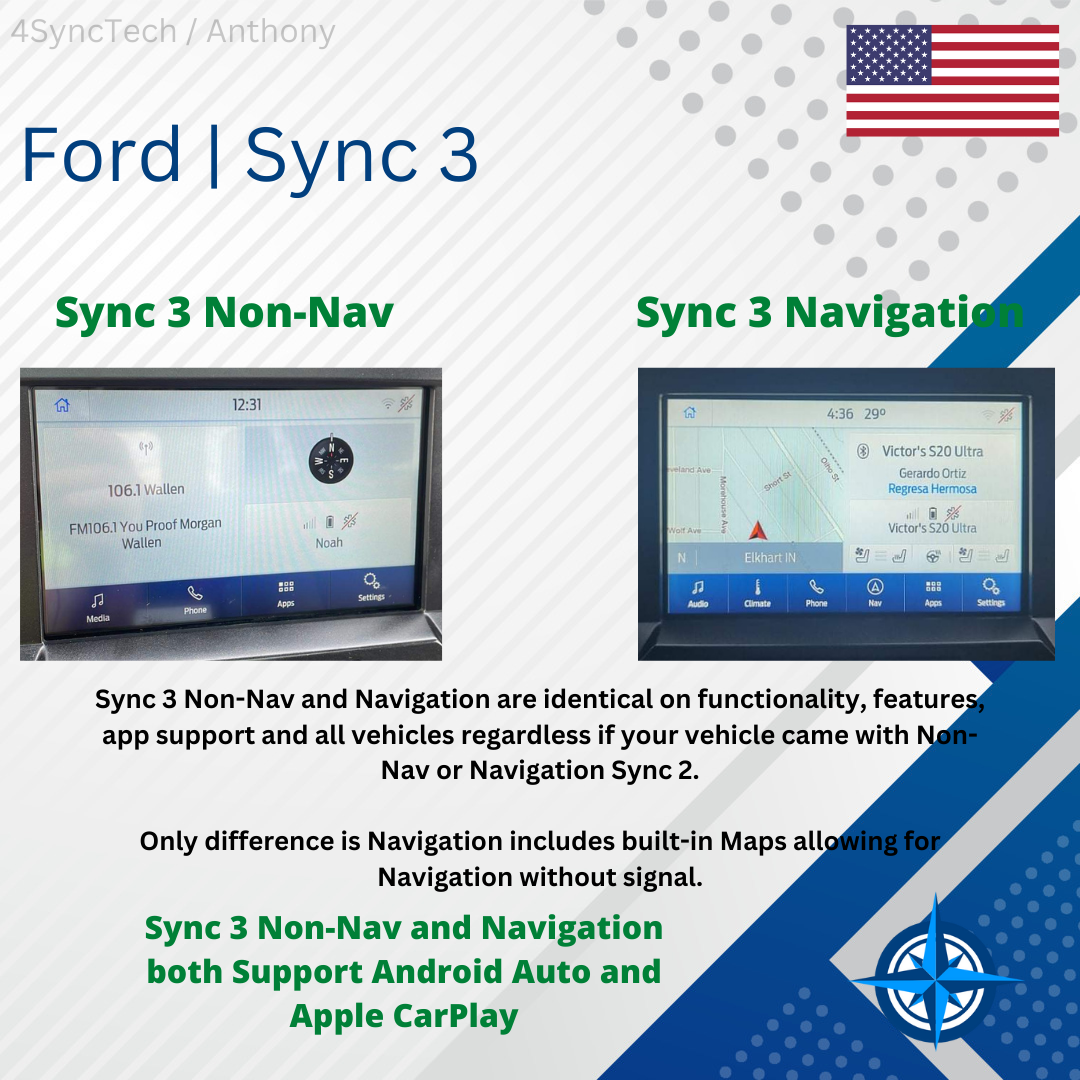
- Supports Both Non-Nav and Navigation Sync 3 Kits
- Enjoy Apple Maps, Google Maps and Waze alongside Pandora, Spotify and More!
Wireless Dongles Available on Our Website.
USB Hub Type:
- USB Hub will vary by vehicle year, this is due to different model years having different socket sizes for the USB hub. Most cases it is Type C OEM USB Hubs we use, medium size slots, same Type C OEM USB Hubs are used with a custom front face for perfect fitment and Factory look.
Shipping and Handling Procedure:
- All Items are fully inspected and carefully packaged before shipment. All Sync 3 Kits are tested and ensured fully functional before packaging. Regarding shipment speed, in most cases 1-2 days to have your unit shipped. In rare cases 2-6 days if parts from our local supplier are in back order but in most cases expect immediate shipping. We always inspect all systems and program ourself to ensure proper programming and functionality. Some items may be shipped by different suppliers, in those cases, items will arrive in a separate box and shipping time may vary shortly of typically 1-3 Days.
Disclaimer:
-
This is just for a USB Drive to update your current Sync 3 system and Type C USB Hub only.
Please provide your VIN or your current Sync 3 version and build number after payment.
We are not responsible for programming or system hardware, update your system at your own risk. 1000s of Updates from us, no problems, we make sure you are setup the first time around.For 2019+ Vehicles they got a Ford Protection called MY20, which means the Maps can't be updated and the update method is auto install over reformat. The Maps can't be updated due to storage compacity issues with the APIM. Please be aware when ordering.
Warranty / Return / Liability Information Document:
Direct Link: FourSyncTech Warranty / Return / Liability Document
Share